Orderify

Froonze
Last Update 8 months ago
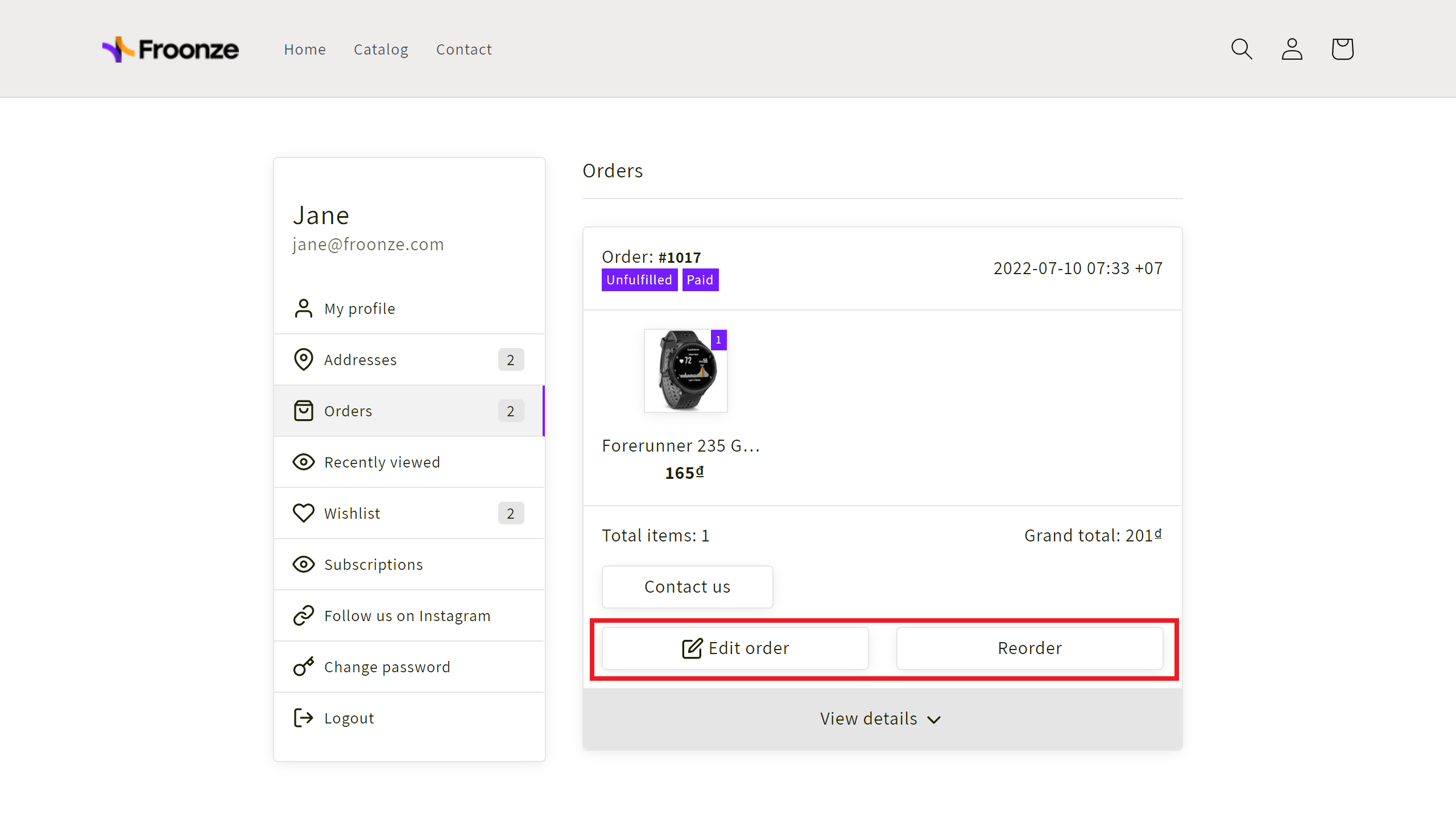
This integration allows you to add Orderify's Edit/Cancel and Reorder buttons to each one of the orders within our Order History panel.
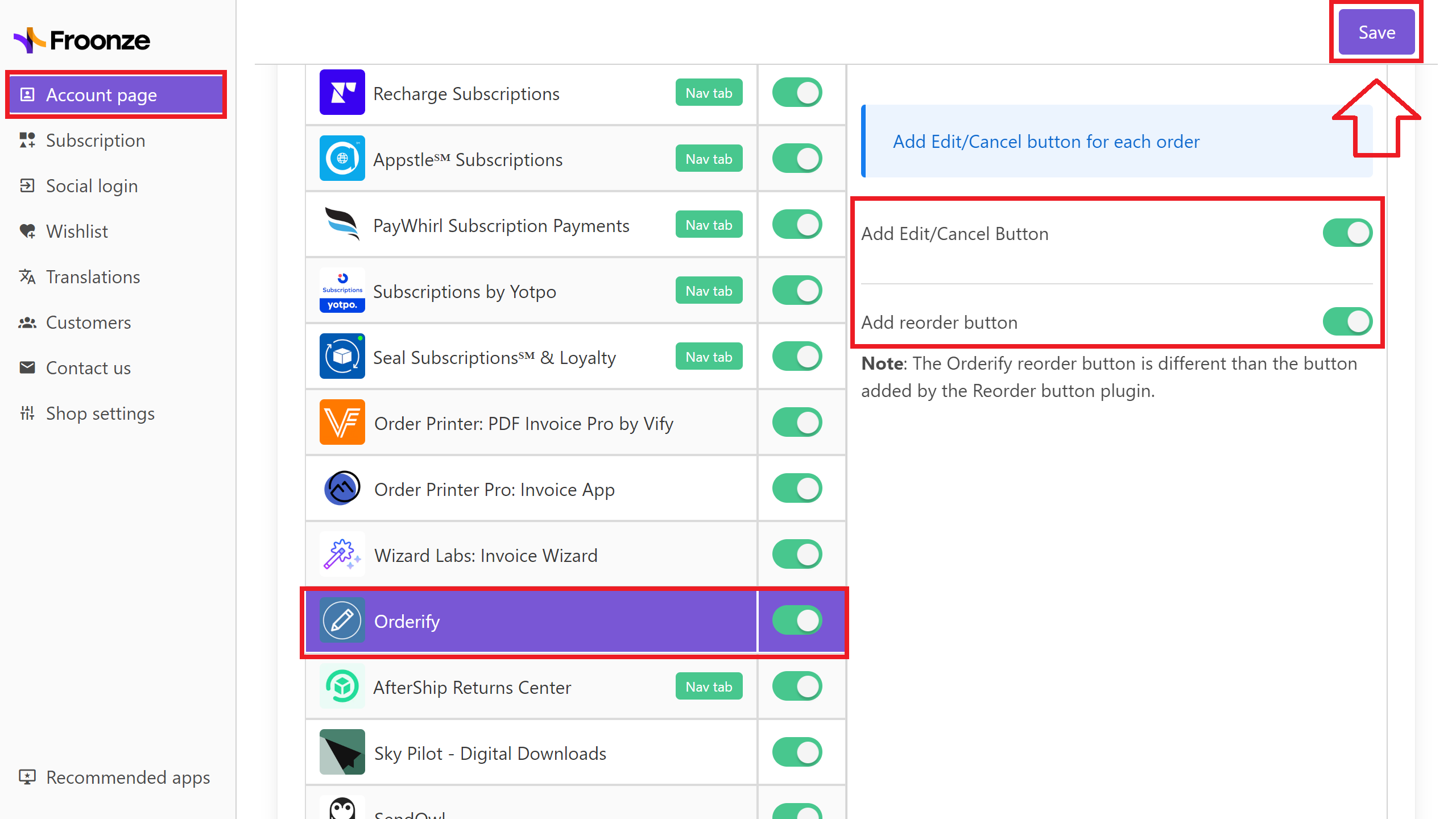
To set it up, simply navigate to our Settings ➜ Account Page ➜ Integrations, select Orderify from the list and enable the buttons you want to show. Click on Save in the top right corner, and you're done.