Seal Subscriptions℠ & Loyalty

Froonze
Last Update 8 months ago
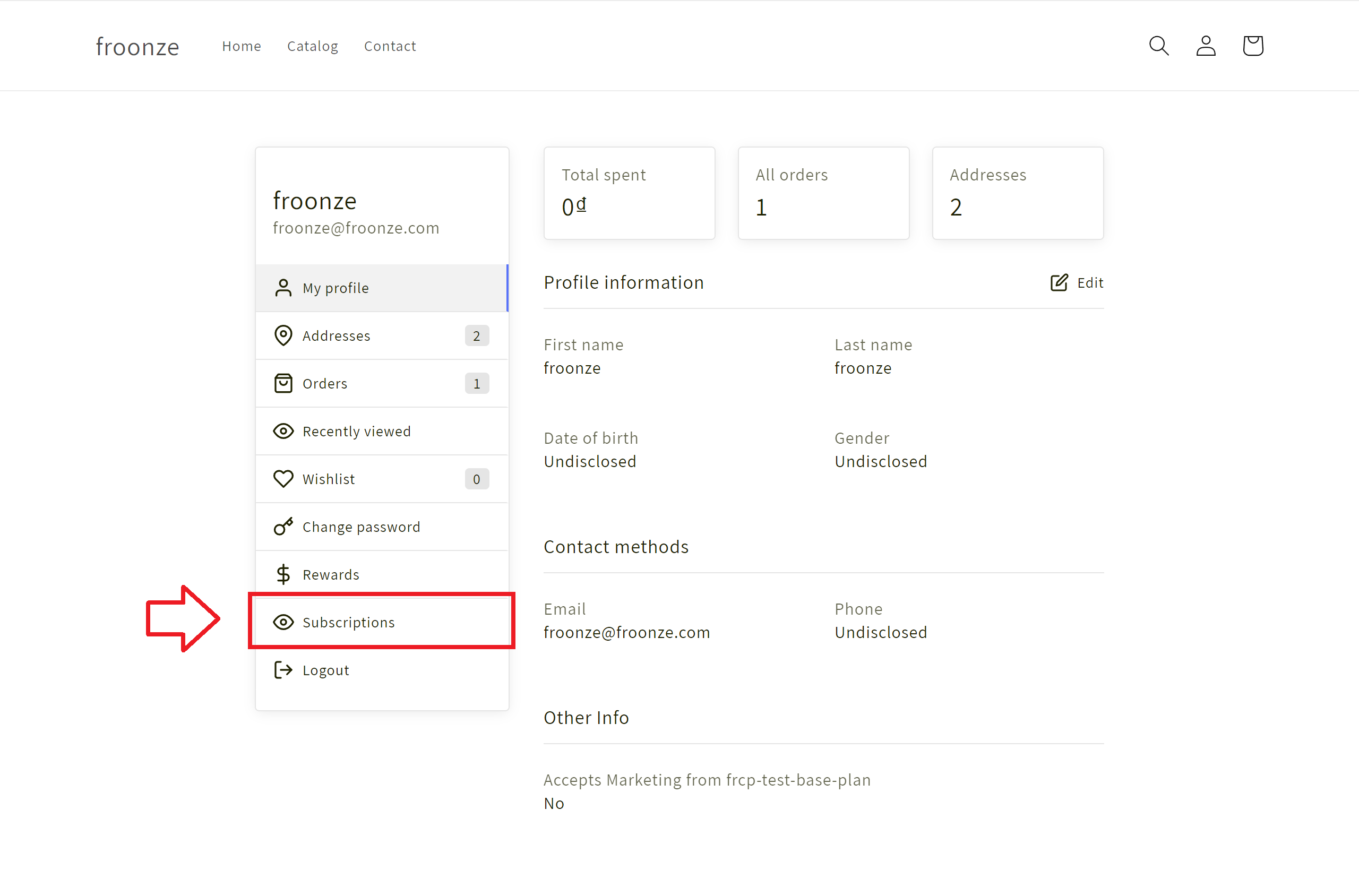
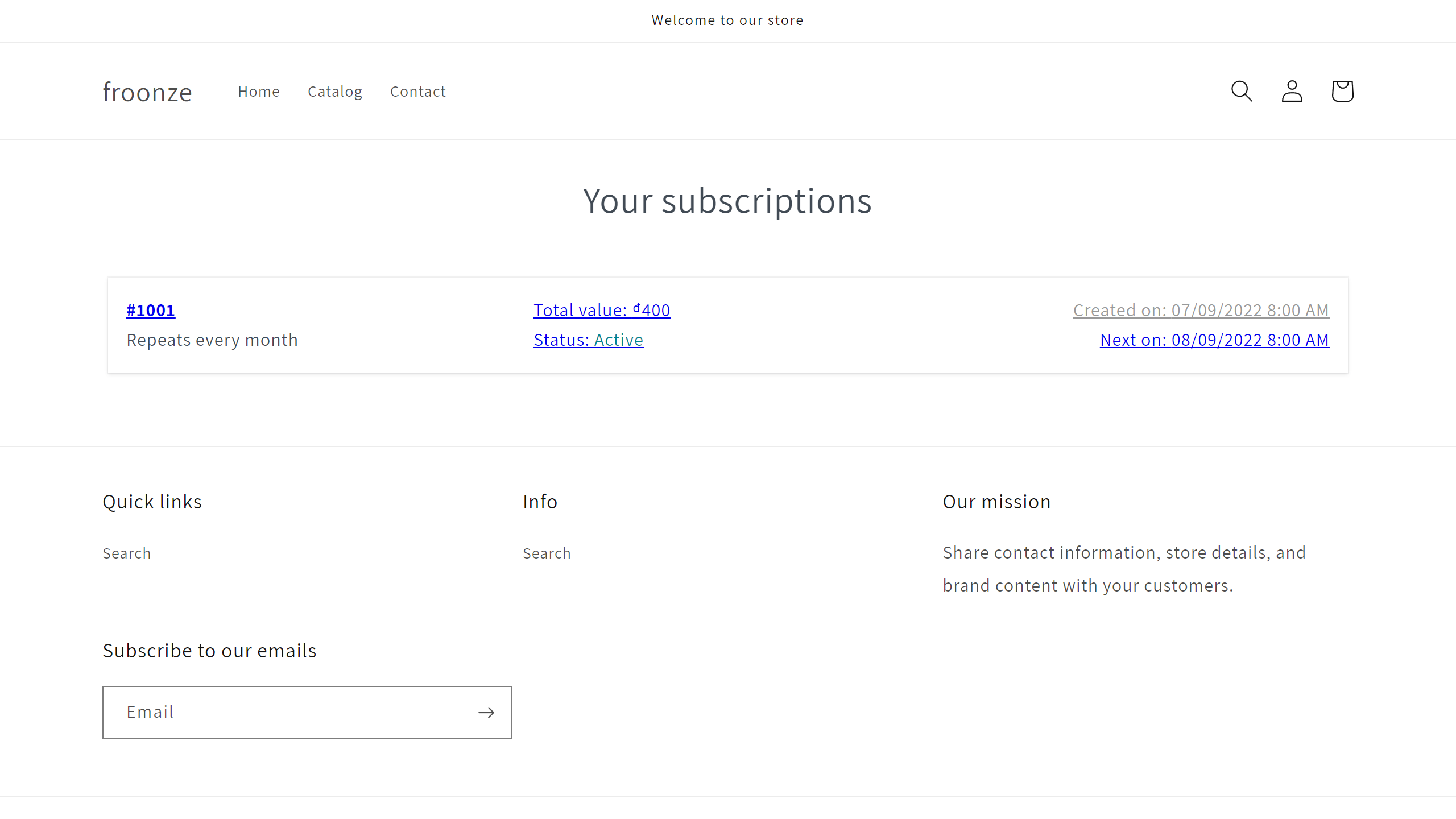
If you installed Seal Subscriptions℠ & Loyalty, you can enable our integration to add a new Subscriptions navigation tab in our account widget that will link to the local Seal's Customer Subscriptions page.
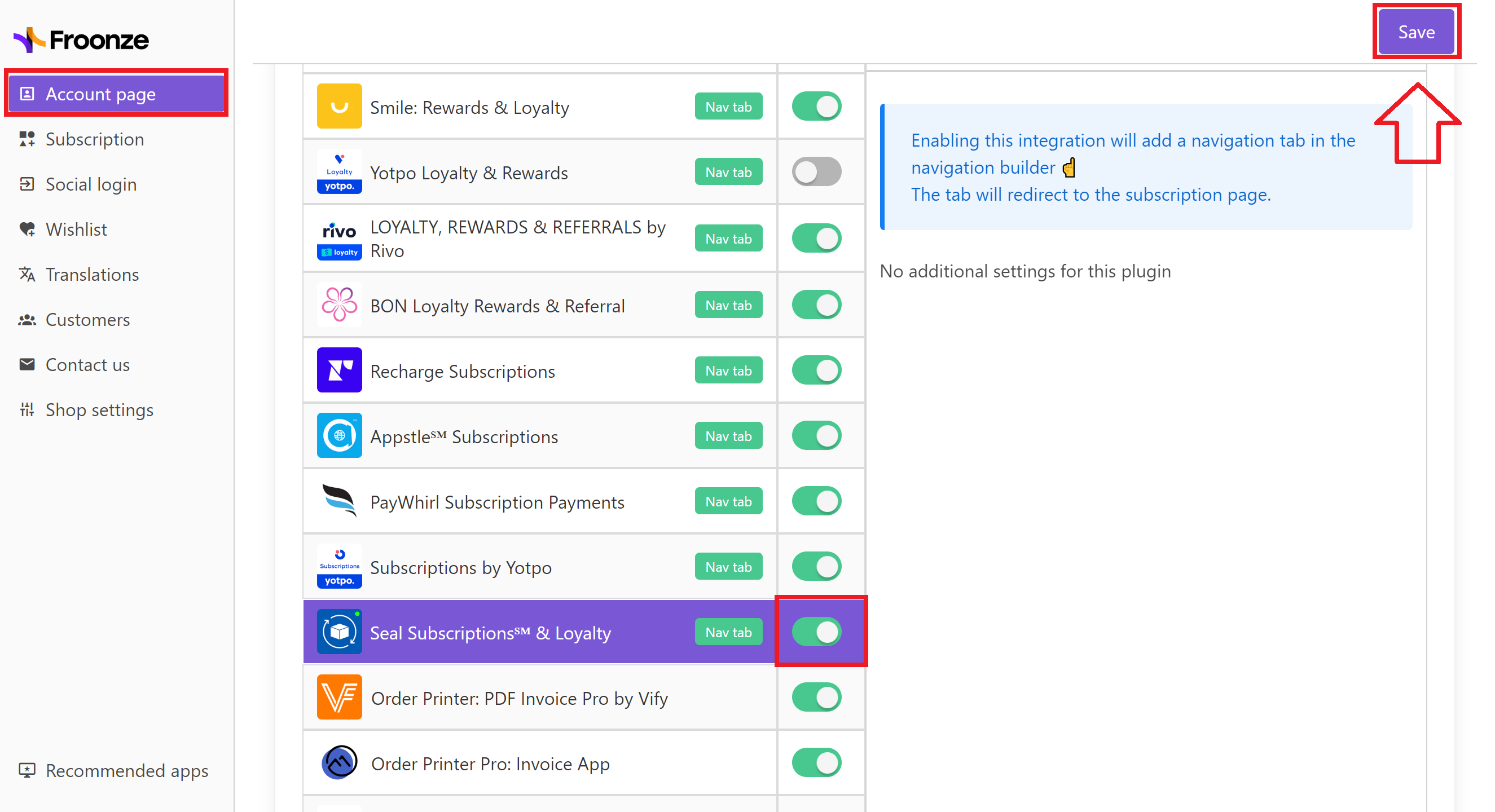
To set up this integration, just go to our Settings ➜ Account Page ➜ Integrations, select Seal Subscriptions℠ & Loyalty and switch on its toggle. Then click on the Save button in the top right corner, and it's done.
A new Subscriptions tab in our account widget will now redirect to Seal's Customer Subscriptions page.